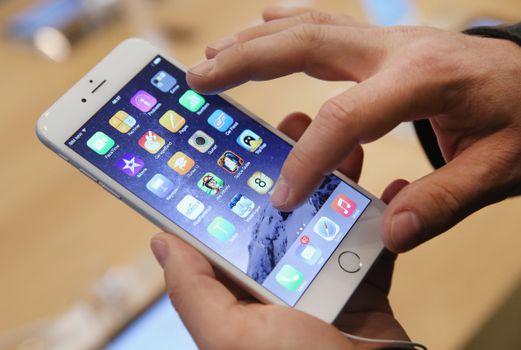
iPhones are great but what isn’t great is when your device slows down completely and takes a ridiculous amount of time to do the simplest thing.
However, 9to5Mac has alerted us to a solution which has been getting a great reaction from other iPhone fans.
A Reddit user has shared a way to disable iPhone animations and as they use a lot of power, turning them off should ensure your handset runs much quicker.
The below YouTube video talks through the entire process and we’ve also outlined the steps below.
- Go to Settings, General, Accessibility, Assistive Touch
- Next step is to drag the ‘Assistive Touch’ button into the bottom right-hand corner
- Back at the Home screen, swipe down to access ‘Spotlight’
- This is the tricky bit (and it could take a few tries before it works) – when the ‘Assistive Touch’ button is directly above the keyboard, tap the screen to dismiss Spotlight
- You should notice that your iPhone immediately starts to run quicke
- YAAAAAAY