We wouldn’t be without our iPhones but there are a couple of things that can get seriously annoying all the same.
One is the battery life but this trick can help and another is the fact that as your phone gets older, it’s likely to get a LOT slower but thankfully, there’s a way around that too.
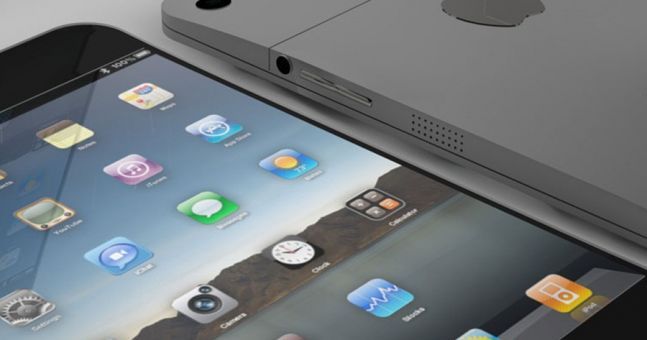
Another thing that has always bothered us is the fact that the standard iPhone apps (Watch, Compass and Health) hang around on the home screen and you can’t get rid of them.
However, thanks to YouTube user, videosdebarraquito, there’s a simple way to stop these apps from taking up room on your home screen.
We spotted this video over on Metro UK and the first step is to put the unwanted apps into a folder. You then press and hold the folder until it wobbles, nothing new here.
Then you drag the apps over to the second page of the home screen and then the third, keeping them in the folder.
Finally, and this is the important bit, you hold the home button without letting go of the folder and the apps should disappear into the corner of the screen and you won’t have to worry about them ever again.
Of course, if you do need to use on the apps in question, then just use the search function on your iPhone to find it.
Simple!